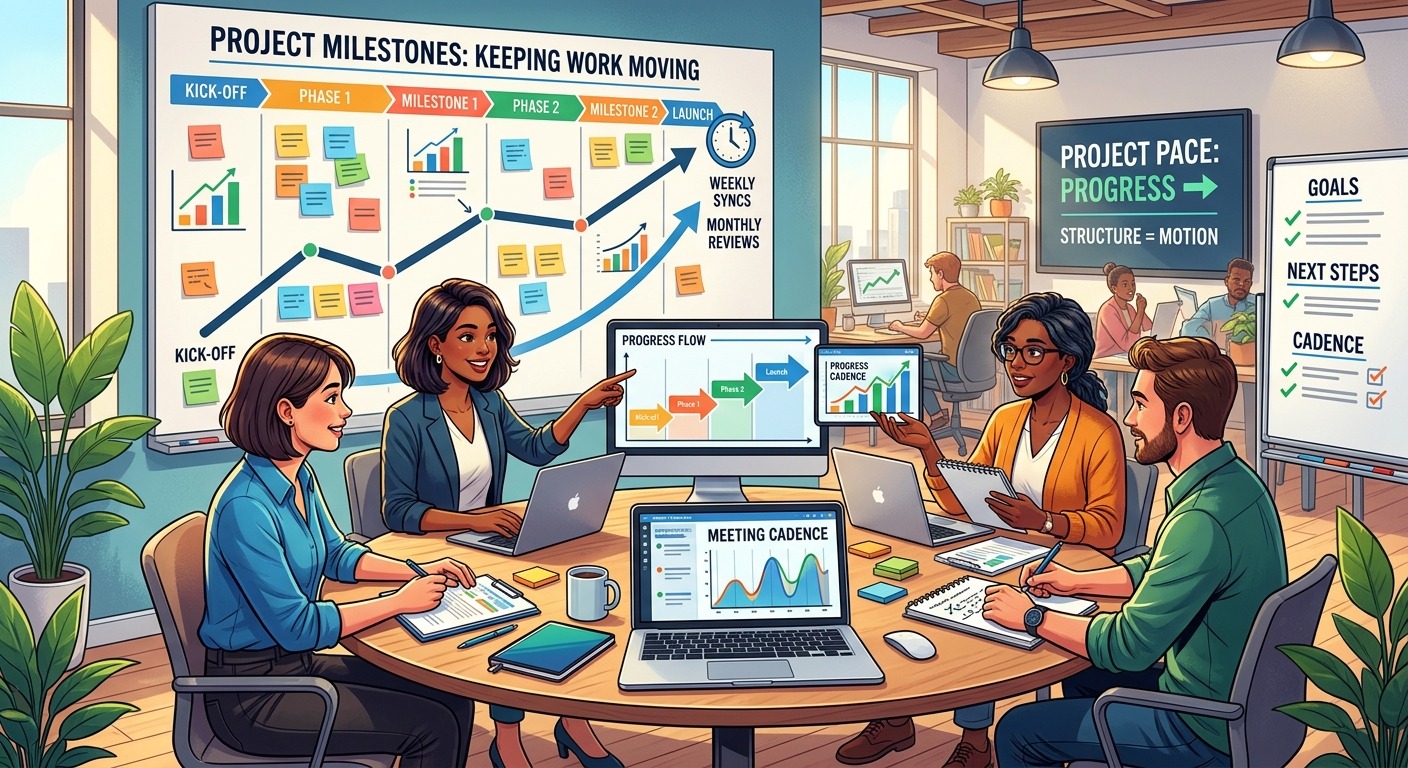
You put hours into a project plan. You mapped dependencies, set milestones, and color-coded the Gantt chart. Then you shared it with the team, and… crickets. A few days later, someone asks, “Wait, what are we supposed to be working on?” Sound familiar? You are not alone. The problem isn’t your planning skills. The problem is that most project plans are built in a vacuum and then handed down like a royal decree. In 2026, that approach is a one-way ticket to disengagement and missed deadlines.
Project plans fail not because of bad data, but because of a lack of human buy-in. Teams ignore plans that feel imposed, irrelevant, or static. To get real traction, shift from a command-and-control style to a collaborative one. Involve your team in the planning process, connect tasks to their personal goals, and treat the plan as a living document that adapts to reality. This article gives you the exact behavioral strategies to make that shift happen.
The Real Reason Your Team Ignores Your Plan
Let’s get one thing straight. Your team isn’t lazy. They aren’t trying to sabotage your project. The issue is almost always a disconnect between what the plan says and what the team experiences. You see a clear path to the finish line. They see a wish list that ignores their actual workload, their expertise, or the messy reality of their day.
Think about the last time someone handed you a detailed itinerary for a weekend trip you didn’t help plan. Did you follow it to the letter? Or did you deviate the second you saw a better coffee shop? Your team does the same thing. They adapt on the fly because the plan doesn’t reflect their on-the-ground knowledge.
Here are the core reasons why project plans fail in 2026:
- The plan is a monologue, not a dialogue. You created it alone and presented it as final.
- The “why” is missing. Tasks are listed without context. People don’t see how their piece fits the puzzle.
- It’s treated as a static document. The plan is set in stone on day one and never updated. It becomes obsolete within a week.
- It ignores team capacity. You planned for ideal output, not for the 47 other things each person is juggling.
- The tools are a barrier. The plan lives in a system nobody likes or knows how to use.
The 5 Behavioral Shifts That Get Buy-In
Fixing this isn’t about buying new software. It’s about changing your approach. These five shifts are the foundation of a plan your team will actually use.
1. Plan With Your Team, Not For Them
The single biggest mistake is planning in isolation. You might think you are being efficient, but you are actually creating a plan that lacks critical input. When you involve your team in the estimation and sequencing phase, you get better data and, more importantly, ownership.
How to do it:
Instead of handing out a finished plan, hold a planning session where you share the high-level goals and ask for their input on the approach. Let them estimate their own tasks. Let them flag dependencies you missed. When a person helps build the plan, they are far more likely to follow it.
2. Connect Every Task to a Tangible Outcome
People need to know why their work matters. A task like “Update the customer onboarding flow” is boring. A task connected to “Reduce new user drop-off by 15% this quarter” is motivating. You need to bridge the gap between the task and the business goal.
The simple fix:
For every major milestone in your plan, write a one-sentence answer to the question: “What will this allow us to do next?” Share that context during kickoff and in your regular check-ins.
3. Make the Plan a Living, Breathing Artifact
A plan that you never update is a plan that gets ignored. Teams know that reality shifts. Priorities change. People get sick. New information arrives. If your plan doesn’t reflect these changes, it loses all credibility.
The simple fix:
Schedule a 15-minute “plan health check” every Monday. Open the document, adjust timelines based on last week’s progress, and share the updated version. The plan should be the single source of truth, not a dusty artifact.
4. Respect Capacity Over Calendar
This is where most plans break. You see a three-week timeline and assume a person can dedicate 100% of their time to it. But that person also has support duties, meetings, and other projects. You are setting them up to fail.
The simple fix:
Before you assign a task, ask the person directly: “Looking at your current workload, what is a realistic deadline for this?” Trust their answer. If they say three weeks, plan for three weeks. If you need it faster, then you need to negotiate removing something else from their plate.
5. Use Tools That Empower, Not Enforce
If your project management tool feels like a surveillance system, your team will avoid it. They will update it only when you nag them. The goal is to use a tool that makes their job easier, not one that tracks their every move.
The simple fix:
Ask your team what they want from a tool. Do they need a simple list view? Do they want to see only their tasks? Do they prefer to get updates via email or Slack instead of logging in? Tailor the tool to their workflow, not the other way around.
Common Mistakes vs. Smart Techniques
Here is a table that breaks down the difference between what causes plans to fail and what actually works.
| The Mistake | Why It Fails | The Smart Technique | Why It Works |
|---|---|---|---|
| Assigning tasks without discussion | Creates resentment and ignores capacity | Co-create task estimates with each person | Builds ownership and realistic timelines |
| Hiding the “why” behind tasks | Kills motivation and leads to shallow work | State the business outcome for every milestone | Connects daily work to a larger purpose |
| Keeping the plan static | Makes it irrelevant after day one | Update the plan weekly with actual progress | Keeps the plan credible and useful |
| Using a complex tool nobody asked for | Creates a data entry burden | Choose a tool based on team preference | Reduces friction and increases adoption |
| Only sharing the plan at kickoff | Leads to misalignment and drift | Share the plan in every stand-up and 1:1 | Keeps the plan top-of-mind and actionable |
A Step-by-Step Process to Rebuild Your Plan
Ready to fix your current plan? Follow these steps. You can do this in a single afternoon.
-
Pause and reset. Send a message to your team: “I realize our current plan isn’t working. I want to rebuild it together. Can we spend 30 minutes on Thursday to fix it?” This simple act of humility builds trust.
-
Run a 30-minute “plan audit.” In that meeting, ask three questions:
- What parts of the current plan feel wrong or impossible?
- What are we missing that you know is important?
- How can I make the plan more useful for you?
-
Rewrite the plan together. Open the document on a shared screen. As the team speaks, move tasks, adjust dates, and add missing items. Let them see their input changing the document in real time.
-
Assign a “plan champion.” This is not you. Pick a team member to be responsible for flagging when the plan drifts from reality. This gives the team a voice and takes the pressure off you to be the sole enforcer.
-
Commit to a weekly check-in. Every Monday, spend 10 minutes reviewing the plan. What changed? What needs to move? This small habit keeps the plan alive.
“The best project plan is the one the team co-creates, not the one the manager dictates. Ownership is the secret ingredient to execution.” — Sarah Chen, Senior Program Manager at a Fortune 500 tech firm.
How to Handle Pushback from Leadership
You might be thinking, “This sounds great, but my boss expects me to have a perfect plan on day one.” This is a real tension. You can still meet that expectation while using a collaborative approach.
Frame it this way:
“To give you the most accurate timeline possible, I need to spend the first week workshopping the plan with the team. This will surface hidden risks and capacity issues that I can’t see from my desk. The initial plan I give you next week will be far more reliable than anything I could produce today.”
This is not an excuse. It is a smarter way to plan. Most senior leaders will respect this approach because it shows you are managing risk, not just creating documents. For more on managing those conversations, check out the project manager’s toolkit for managing stakeholder expectations.
What to Do When Your Plan Falls Apart Mid-Execution
Even with the best buy-in, things will go wrong. A key person quits. A vendor misses a deadline. The market shifts. The difference between a failed project and a successful one is how you handle the disruption.
The recovery framework:
- Stop and assess. Do not try to fix the plan while panicking. Take 30 minutes to understand the new reality. What is the actual impact? What is the new critical path?
- Communicate the problem immediately. Hiding bad news destroys trust. Tell your stakeholders and your team what happened and that you are working on a solution.
- Rebuild the plan with the same team. Use the same collaborative process. Ask your team: “Given this new constraint, what is the smartest way forward?”
- Reset expectations. Share the updated timeline and explain the trade-offs. If something had to be cut, be transparent about why.
For a deeper look at this specific scenario, read our guide on what to do when your project plan falls apart mid-execution.
Building a Culture of Plan Ownership
Your ultimate goal is to create a team culture where the project plan is a shared responsibility, not a top-down mandate. This takes time, but the payoff is huge. A team that owns the plan will deliver consistently, communicate proactively, and solve problems before you even know they exist.
Start small. Pick one of the behavioral shifts from this article and apply it to your next sprint or phase. See what happens. You might be surprised at how quickly the tone of your stand-ups changes. People start saying “we” instead of “you.” They start flagging risks early. They start caring about the plan because it is their plan.
To keep the momentum going, you might want to look at 5 agile metrics that actually predict project success to measure the impact of these changes. And if you are still struggling with tool adoption, the list of the 5 project management tools your team will actually use in 2026 can help you find a better fit.
From Plan to Progress
The goal of a project plan is not to predict the future. It is to create a shared understanding of the work ahead and the best path to get there. When you stop treating the plan as a rigid document and start treating it as a collaborative tool, everything changes. Your team stops ignoring it. They start using it. And that is when you stop fighting fires and start making real progress. Give your team a voice in the plan, and they will give you their best work.