Your team already pays for a project management tool. Maybe two. Maybe three. And the instinct when things feel messy is to shop for another one. But another subscription means another login, another training session, and another silo of information. Before you add to the stack, there is a better path. You can streamline team task management without new tools by tightening the processes you already own.
You do not need a new tool to fix task management chaos. The biggest gains come from cleaning up naming conventions, locking a single source of truth, using time-boxing, and running better check-ins. By applying these ten low-cost changes, you can cut through noise, reduce meeting overload, and help your team finish more work with the software they already have.
Start with a naming convention that everyone follows
The simplest fix is often the most overlooked. When your team calls the same task three different things, you lose time searching, clarifying, and correcting. Agree on a standard format for task titles. For example, start with a verb, then the deliverable, then the area. “Write onboarding guide / Marketing” instead of “onboarding stuff.” This small change makes filtering and reporting instantly clearer.
Lock in a single source of truth
One of the fastest ways to streamline team task management without new tools is to declare one system as the official record. If you use a tool like Asana, Trello, or Monday.com, stop duplicating updates across email, Slack, and that tool. Make it a team rule: if it is not in the system, it did not happen. This reduces the mental load of checking three places for the same status.
Use time-boxing to beat the planning trap
Planning can become a black hole. Teams spend hours estimating, re-estimating, and debating effort. Instead, use time-boxing. Set a fixed time window for a task and work within that limit. If the task runs over, you learn something about scope. This technique is especially useful for creative or research tasks that feel infinite. Learn more about time-boxing techniques for project managers who want faster delivery.
Build a weekly meeting cadence that actually works
Too many meetings kill momentum. Too few create drift. The sweet spot is a consistent, short weekly check-in. Use the same agenda every time. Status updates are not a meeting. Instead, use that time for blockers, decisions, and alignment. If you need help setting this up, check out this guide on how to build a project meeting cadence that keeps work moving.
Turn status updates into async documentation
Not every update needs a live meeting. Encourage your team to record short video updates or post written summaries in your tool. This creates a searchable record. It also helps people in different time zones stay informed. For a deeper look at this, read about how to turn async video updates into usable project documentation.
Audit your workflow for bottlenecks
Every team has a step where work slows down. It might be the approval stage, the handoff between departments, or the review process. Run a workflow audit to find it. Map out the steps a task takes from start to finish. Count how many people touch it. If a task goes through five hands before it is done, ask why. The article on 7 signs your team needs a workflow audit (and how to run one) can help you get started.
Prioritize tasks with a simple matrix
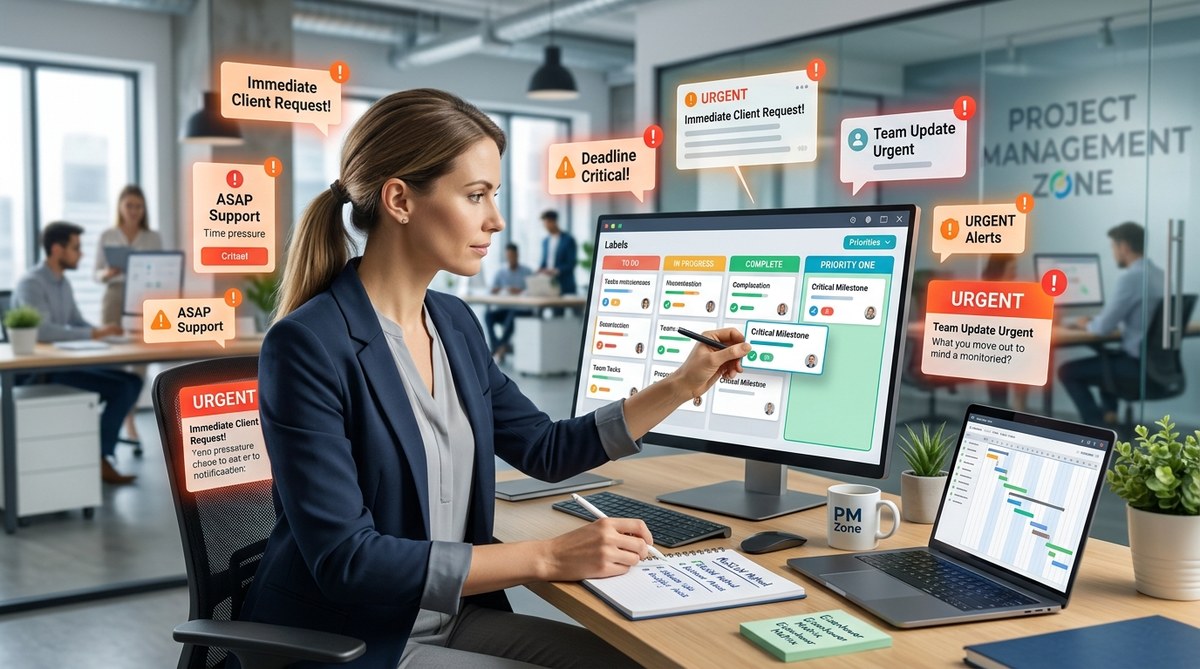
When everything feels urgent, nothing is. Use a simple priority matrix to sort tasks by impact and effort. High impact, low effort goes first. Low impact, high effort goes last. This method works in any tool. You can use labels, custom fields, or even a shared spreadsheet. For more on this, see how to prioritize project tasks when everything feels urgent.
Reduce meeting overload with a clear purpose
Meetings multiply when tasks are unclear. If your team has ten hours of meetings per week, ask which ones produce decisions. Cancel the ones that do not. Replace status roundtables with written updates. Reserve live sessions for problem solving. The post on 10 practical ways to reduce meeting overload without losing alignment has actionable steps.
Stop planning in silos
Cross-functional work often fails because teams plan separately. Marketing plans one thing, engineering plans another, and the timeline breaks. Fix this with a short alignment session. Get the key people from each team in a room. Agree on the top three priorities for the week. This takes thirty minutes and saves days of rework. For a framework, see stop planning in silos: how to align cross-functional teams in under 30 minutes.
Use a table to track common mistakes and fixes
Sometimes seeing the problem and solution side by side makes the change stick.
| Common Mistake | Why It Hurts | The Fix |
|---|---|---|
| No task naming standard | Searching takes twice as long | Agree on a verb + deliverable format |
| Duplicating updates across tools | Confusion about what is current | Pick one system as the source of truth |
| Long planning sessions | Delays actual work | Use time-boxing for estimates |
| Too many status meetings | Reduces deep work time | Replace with async updates |
| Unclear priorities | Team works on low-value tasks | Use an impact/effort matrix |
“The best tool is the one your team actually uses. Before you buy a new one, make the current one work better by cleaning up how you name, prioritize, and communicate tasks.” – Sarah Chen, Operations Lead
How to fix a mid-execution plan collapse
Plans fall apart. It happens. The key is to have a recovery process ready. When a project goes off track, pause. Do not add more tasks. Reassess the top three deliverables. Cut anything that is not essential. Communicate the new plan to stakeholders. For a full breakdown, read what to do when your project plan falls apart mid-execution.
Align your team without a new system
The goal is not to add complexity. It is to remove it. By applying these ten changes, you can streamline team task management without new tools. Your team will spend less time managing work and more time doing it. Start with one change this week. Pick the naming convention or the single source of truth rule. See how it feels. Then add the next one. The tools you have are enough. The process just needs a tune up.