You have spent hours crafting a weekly status report. You included every task, every sub-task, and a detailed timeline. You hit send. Then, silence. No questions, no comments, no sign that anyone opened the document. If that scenario sounds familiar, you are not alone. Most project status reports get ignored because they are written for the author, not for the reader. The good news is that fixing this is simpler than you think. You just need to change how you structure your message.
A project status report that gets read is short, scannable, and focused on decisions. Lead with the most important update. Use a consistent format. Include a clear ask. Avoid the “watermelon status” where everything looks green on the outside but problems are hidden inside. This guide shows you exactly how to structure your next report so stakeholders actually engage with it.
Why Your Status Reports Are Being Ignored
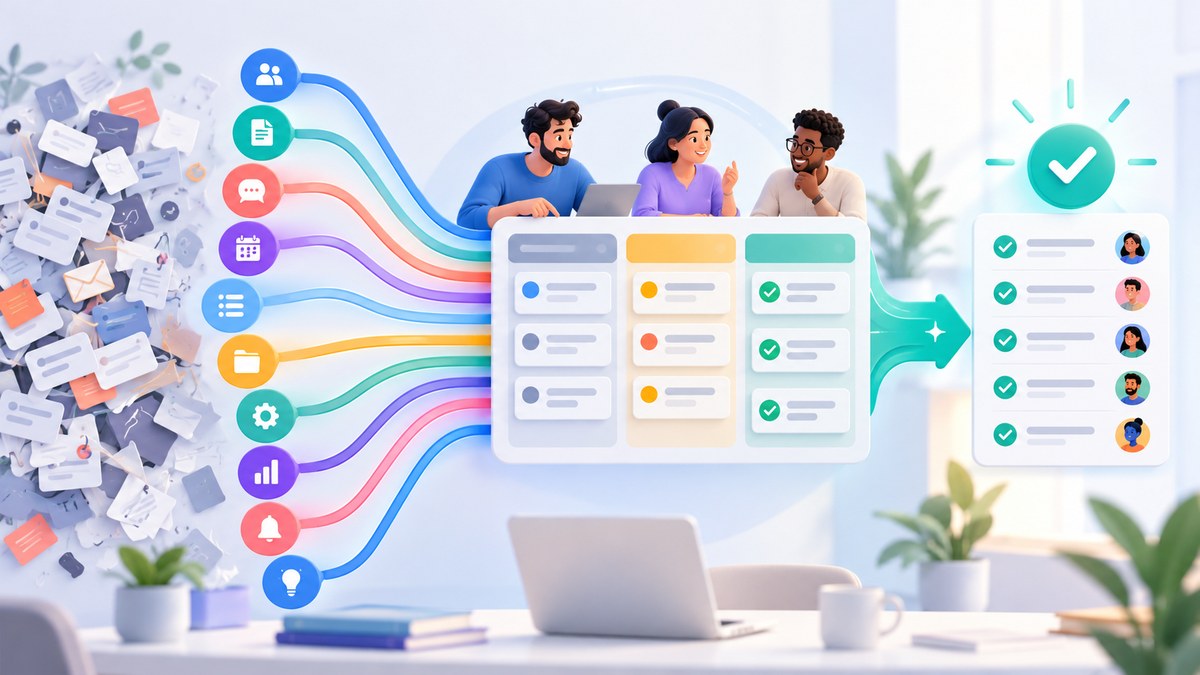
Stakeholders are busy. They have their own priorities, deadlines, and meetings. When they open a status report, they are looking for one thing: information that helps them make a decision or take action. If your report is a wall of text filled with every detail of the week, they will close it.
Three main problems cause reports to be ignored.
- Too much noise. You include everything that happened. The reader cannot find the signal.
- No clear ask. The report ends without telling the reader what you need from them.
- Inconsistent format. Every week looks different. The reader has to relearn the layout each time.
These issues are easy to fix. You just need a better framework.
The One Change That Fixes Everything
Start with the most important thing first. Project managers call this the “Bottom Line Up Front” or BLUF method. Lead with your main message. If your project is on track, say that immediately. If there is a blocker, state it in the first sentence. Do not bury the lede.
A good structure looks like this:
- One-line summary. The current status in a single sentence.
- Key metrics. A small table or bullet list of the most important numbers.
- Progress since last report. What your team completed.
- Blockers and risks. What is slowing you down.
- Next steps. What happens before the next report.
- Action items for stakeholders. What you need from them.
This structure respects the reader’s time. They can read the first line and understand the state of the project. If they want more detail, they can keep reading.
A Repeatable Template You Can Use This Week
Here is a simple template you can copy and adapt. It works for weekly updates, sprint reviews, and client check-ins.
| Section | What to Include | How Long It Should Be |
|---|---|---|
| Status headline | Green, yellow, or red status with a one-sentence explanation | 1 line |
| Progress | 3 to 5 bullet points of completed work | 3 to 5 lines |
| Upcoming work | 3 to 5 bullet points for the next period | 3 to 5 lines |
| Blockers | Any issue that needs attention | 1 to 2 lines each |
| Action needed | Specific asks for the reader | 1 line each |
Example of a good headline: “Status: Green. We completed the user authentication module ahead of schedule. The API integration is on track for next Wednesday.”
Example of a bad headline: “Weekly update for the project. Here is what we worked on this week.”
The first example tells the reader everything they need to know in under 30 seconds. The second example forces them to hunt for the information.
Common Mistakes and How to Avoid Them
Even with a good template, it is easy to fall into traps. Here is a table of the most common mistakes and the solutions.
| Mistake | Why It Hurts | The Fix |
|---|---|---|
| The watermelon status | Everything looks green, but the project is on fire. | Be honest about risks early. Do not hide bad news. |
| No call to action | The reader finishes and does nothing. | End every report with a clear “I need” statement. |
| Overusing jargon | Stakeholders do not understand your terms. | Use plain language. Define acronyms the first time you use them. |
| Writing a novel | The report is five pages long. | Keep it to one page. Use appendices for extra detail. |
| Inconsistent send time | The report arrives at a different time each week. | Set a recurring calendar reminder. Send it the same day and time. |
“A status report is not a diary. It is a decision support tool. If your report does not help someone make a choice, you are wasting their time.” – Practical project management advice from a senior PM at a Fortune 500 company.
How to Handle Different Stakeholder Types
Not all stakeholders want the same information. An executive wants the high-level status and any major risks. A technical lead wants details on architecture and dependencies. A client wants to know if the project is on time and on budget.
You do not need to write separate reports for each person. Instead, use a layered approach.
- Executive summary. The first paragraph. Covers status, budget, timeline, and top risks.
- Detailed section. Below the summary. Covers technical progress, team updates, and specific metrics.
- Appendix. Links to dashboards, logs, or other reference materials.
This way, the executive reads the first paragraph and stops. The technical lead scrolls down to the details. Everyone gets what they need without feeling overwhelmed.
If you are managing a larger portfolio, consider using a tool that integrates with your existing workflow. For example, you can learn more about mastering agile tools for faster project delivery to automate parts of this process.
When to Use a Written Report vs. a Live Dashboard
Written reports are best for asynchronous communication. They work well when stakeholders are in different time zones or when you need a written record. Live dashboards are better for real-time data and for teams that meet regularly.
Use a written report when:
- You need a formal record of progress.
- Stakeholders prefer to read updates on their own time.
- The project is complex and requires narrative explanation.
Use a live dashboard when:
- The team meets daily or multiple times per week.
- You need to track metrics that change frequently.
- The audience is technical and wants to slice data themselves.
Many teams use both. They send a weekly written report and point to a live dashboard for daily updates. This gives everyone the flexibility they need.
You can also combine your status reports with other communication methods. For example, you might send a written update and then follow up with a short async video. To learn more, read our guide on how to turn async video updates into usable project documentation.
A Step-by-Step Process for Writing Your Next Report
Follow these steps to write a report that gets read.
- Review the previous report. Check what you promised for this week. Did you deliver?
- Gather your data. Pull the numbers you need. Completion rates, budget spent, days until deadline.
- Write the headline first. One sentence that summarizes the project state.
- List the top 3 accomplishments. Be specific. “Completed user login” is better than “Made progress on login.”
- List the top 3 upcoming tasks. Focus on what matters most.
- Identify blockers. Be honest. If you need help, say so.
- Write your action items. Start each one with “I need” or “Please decide.”
- Format for skimming. Use bold text, bullet points, and short paragraphs.
- Send it at the same time every week. Consistency builds trust.
- Ask for feedback. After a few weeks, ask stakeholders if the report format works for them.
This process takes about 15 minutes once you have done it a few times. It saves hours of confusion later.
How to Handle Bad News in a Status Report
Nobody likes delivering bad news. But hiding it is worse. Stakeholders need to know about problems early so they can help.
When you have bad news to share:
- State it in the headline. Do not bury it. “Status: Red. The database migration is delayed by two weeks due to an unexpected schema conflict.”
- Explain the impact. What does this mean for the timeline, budget, or scope?
- Propose a solution. Do not just present the problem. Offer options.
- Ask for a decision. “I recommend option B. Please approve by Friday so we can adjust the sprint.”
This approach builds trust. Stakeholders will appreciate your honesty and your proactive thinking.
If you are struggling with prioritization when everything feels urgent, check out our guide on how to prioritize project tasks when everything feels urgent.
The Power of a Consistent Format
Consistency is the secret weapon of good status reports. When your report looks the same every week, stakeholders know where to find the information. They do not waste time scanning for the status.
Choose a format and stick with it. Use the same section headings. Use the same color coding. Send it on the same day. Over time, your stakeholders will learn to trust the report and rely on it.
A consistent format also makes it easier for you. You can reuse your template and just fill in the blanks. This reduces the time you spend writing reports and frees you up for other work.
Building a Culture of Clear Communication
Writing a good status report is a skill. It takes practice. But the payoff is huge. When your stakeholders read your reports, they stay informed. They make better decisions. They trust you more.
Start with the template in this guide. Use it for your next report. Ask one stakeholder for feedback. Then adjust. Over a few weeks, you will develop a rhythm that works for your team and your project.
The goal is not to write the perfect report. The goal is to write a report that gets read. That is a much lower bar, and it is one you can clear with the right structure and a little bit of practice.
One Final Thought on Making Reports Work for You
Your status report is a tool. It should save you time, not create more work. If you find yourself spending hours on a report that nobody reads, stop. Change the format. Change the audience. Change the timing.
A good report builds trust. A bad report erodes it. Choose to build trust with every update you send.
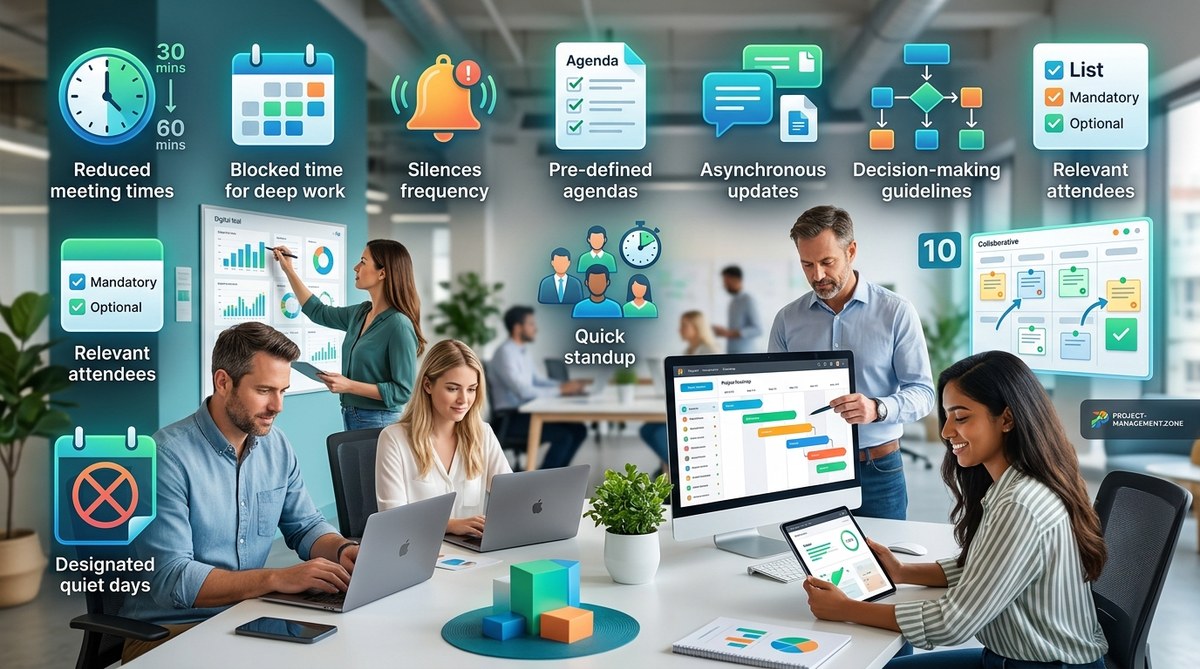
For more on improving how your team communicates, you might find value in our article on 10 practical ways to reduce meeting overload without losing alignment. Better reports mean fewer meetings, and that is a win for everyone.