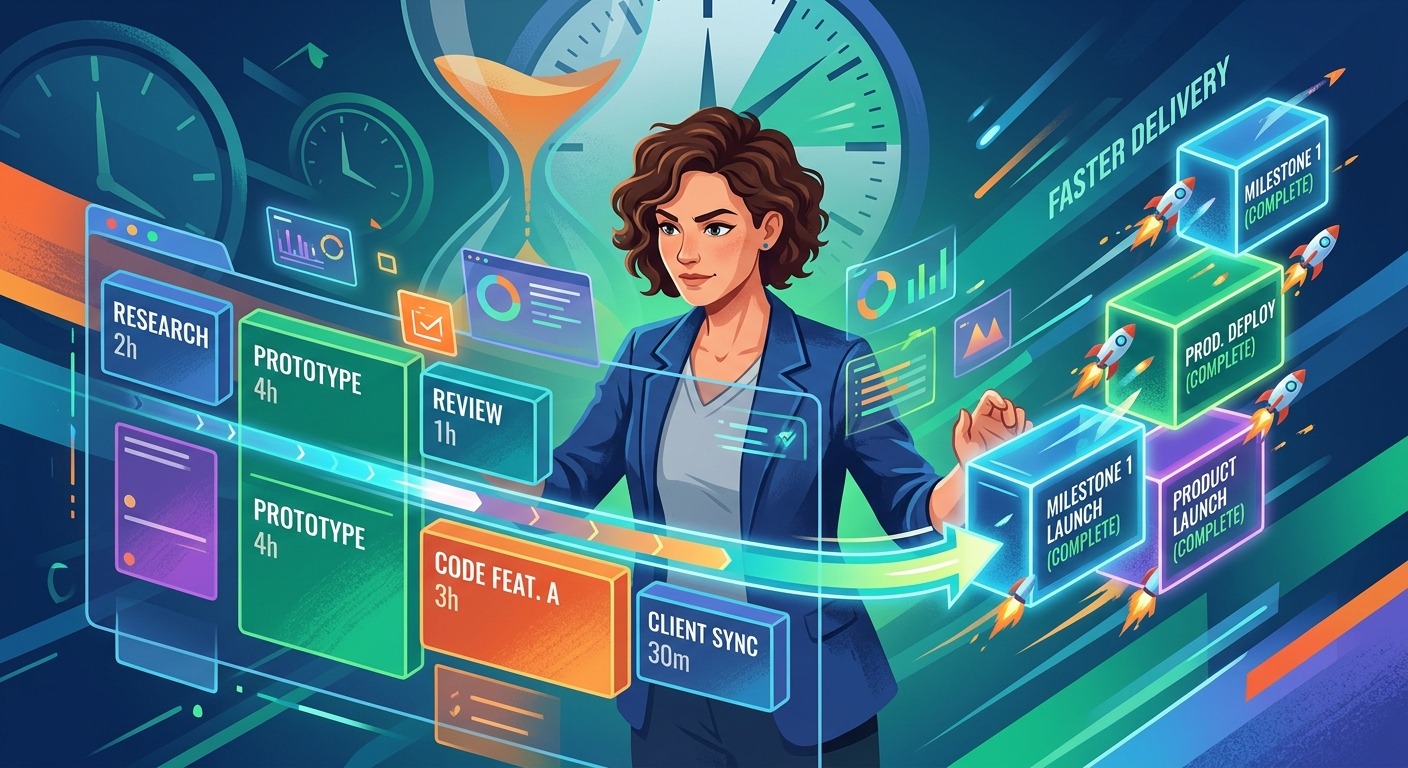
Your team records a five-minute Loom walkthrough after every sprint review. The presenter covers blockers, flags a scope decision, and calls out a dependency that could shift the release date. Everyone watches. Everyone nods. By Thursday, nobody remembers who owns the follow-up, and the decision is buried somewhere in a video archive nobody searches. That is the actual cost of async video without a documentation step: not the time spent recording, but the information lost after the recording ends.
Video recordings are inputs, not documentation. The written output is what gets teams aligned and projects moving.
- Extracting a transcript from the platform’s subtitle file is the fastest path from recorded video to editable text, cutting the documentation bottleneck from twenty minutes to under two.
- Formatting matters as much as content. Teams that define what their sprint notes and decision logs must include produce records that others can act on without rewatching the original video.
- The habit sticks when documentation lives where work happens. Notes filed in Jira, Linear, or Notion get read. Notes filed in a separate folder do not.
Why Watching a Video Is Not the Same as Having a Record
Recording a video update feels like communication. Sharing the link feels like transparency. But receiving information and being able to reference it, search it, or act on it later are three separate things entirely.
Written records have properties that video files don’t. You can scan a document in seconds. You can search across your workspace, copy a decision into a ticket comment, or paste an action item into a sprint backlog without scrubbing back through footage. Video is excellent for context and tone. Text is what moves work forward.
The gap between “watched” and “documented” is where most async workflows break down. The teams that close that gap treat the recording as the raw material and the written output as the actual deliverable. That reframe changes how the whole system functions.
Recording Habits That Produce Cleaner Transcripts
Before you touch any transcription tool, it pays to set your team up for clean extraction at the recording stage. Not every video converts equally well to readable text.
Short, scoped recordings produce the most useful transcripts. A focused five-minute async standup maps cleanly onto a written update. A forty-minute call with six speakers and overlapping conversation produces a messy transcript that takes longer to clean up than it would have taken to just write the notes from scratch.
For screencasts and personal updates, a single narrator works best. One speaker, one topic, deliberate language. For team calls, having one person act as a designated summarizer at the end of the recording dramatically improves what you will work from at the documentation stage.
Structure in the recording creates structure in the output. If your standup format is “what I completed, what I’m blocked on, what’s next,” say those exact words in the recording. The transcript will reflect that structure, and the documentation will almost write itself.
The Extraction Step: Getting From Video to Editable Text
This is the stage where most documentation intentions stall. Teams record, teams share, and then nobody writes the notes because manual transcription feels like a second job. The workflow dies before it starts.
Most video platforms generate subtitle or caption files automatically in the background. Loom, Zoom cloud recordings, and Google Meet all produce these. The file exists. The problem is that the raw format includes timestamps, speaker markers, and formatting artifacts that make it difficult to paste directly into a document.
Running that file through a subtitle downloader strips the timestamps and cleans the formatting, producing a block of readable text in under two minutes. That text goes straight into your documentation template. When extraction takes two minutes instead of twenty, the economics of the whole workflow change. Teams stop treating documentation as optional and start treating it as the last step of every recording.
What Each Platform Gives You to Work From
Different recording tools produce different transcript formats. Knowing where to find the file for each platform removes friction before it slows you down.
Where Caption Files Live Across Common Recording Platforms
| Platform | Where to Find the Transcript | Best Documentation Output |
|---|---|---|
| Loom | Auto-generated captions in Loom dashboard | Async standups, decision logs |
| Zoom (cloud recording) | VTT file in cloud recording library | Sprint notes, meeting minutes |
| Google Meet | Transcript via Google Workspace (if enabled) | Status updates, retrospective notes |
| Microsoft Teams | Auto transcript in meeting recap (Teams Premium) | Sprint reviews, stakeholder updates |
| OBS / QuickTime screencasts | No built-in captions; run through transcription tool | Technical walkthroughs, demo notes |
Turning a Raw Transcript Into Structured Documentation
A cleaned transcript is not yet documentation. It is spoken language in text form, complete with filler words and conversational detours. The next step is compression and structure.
Decide on the output format before you open the transcript. Having a template in front of you is the difference between a ten-minute task and a thirty-minute struggle. A sprint review note has different sections than an async standup record, which has different sections than a decision log entry. Knowing which format you are filling before you begin speeds up the whole process considerably.
As you work through the transcript, look for three categories of information: things that were decided, things that need to be done, and things that are blocked or at risk. These map directly onto the most useful project management artifacts: decision logs, action item registers, and risk notes. Strip out everything that doesn’t fit one of those categories and you will have a tight, usable record that any team member can act on without reading the full transcript.
The core agile documentation principles have always favored documentation that serves the team over documentation that exists for its own sake. A clean sprint note capturing decisions and next steps serves the team. A full transcript saved in a folder nobody opens doesn’t.
Documentation Formats That Actually Get Used
Choosing the right format for the recording type makes the documentation useful rather than ceremonial. These are the output structures that transfer most cleanly from transcript to PM tool:
- Action item log: Every task or commitment mentioned in the recording, formatted as owner, task, and due date. Drop directly into your project tracker as new tickets or comments on existing ones.
- Decision log entry: What was decided, the context behind it, and who made the call. Especially valuable for scope and architectural decisions that future team members will want to understand.
- Sprint summary: Shipped items, in-progress work, blockers, and decisions made. A consistent format here means your sprint history is searchable and readable across the full project lifecycle.
- Async standup notes: A lightweight daily record of status per person. Even a two-line summary per team member is enough to replace a synchronous check-in for most distributed teams.
- Risk and dependency notes: If the recording surfaces a blocker or an external dependency, log it in a dedicated risk register or the relevant epic so it doesn’t disappear into an archive.
Where the Documentation Should Live
Well-formatted sprint notes buried in a folder nobody checks are almost as useless as the video they came from. The destination matters as much as the content.
Write the documentation where the work actually happens. If your team runs sprints in Jira, the sprint notes belong in Jira. If you manage projects in Linear or Notion, put them there. The goal is one location per project type where any team member can look to understand what happened and what needs to happen next, without hunting across multiple tools.
Avoid creating a separate documentation folder that exists outside your main PM tool. Every additional click between the team and the information reduces the chance that the information gets read. Attach notes to the relevant sprint, epic, or project page. Tag the people who need to act. The documentation should feel like a natural part of the workflow, not administrative overhead sitting beside it.
Years of project performance data point to poor communication as a leading driver of project delays and failures. Async video that never gets converted into written records compounds that problem at every sprint boundary, particularly on distributed teams where there is no hallway conversation to fill in the gaps.
Building the Habit Across a Distributed Team
Individual habits are straightforward to build. Team habits need a little structure to stick.
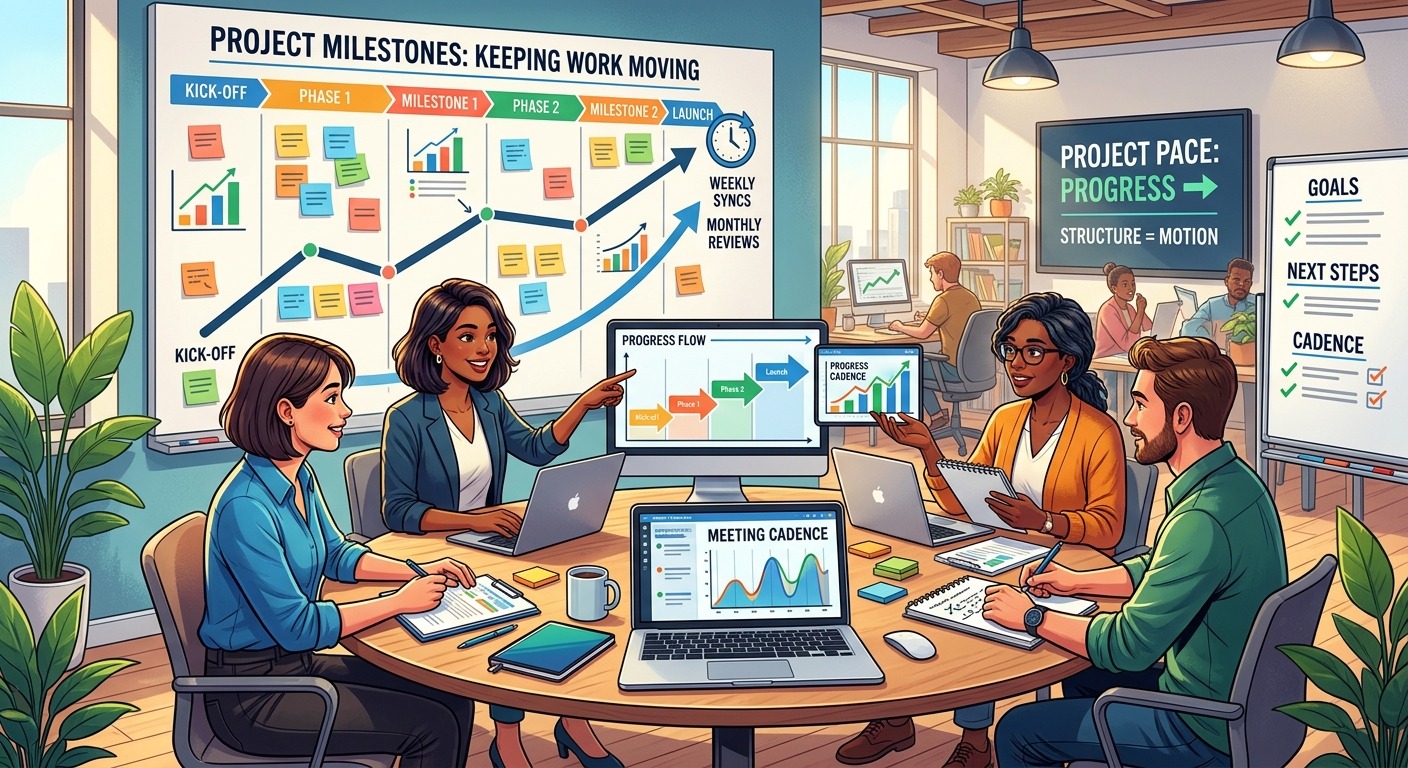
Start with one recording type and build the habit around that before expanding to others. Sprint review recordings are a strong starting point because they happen on a predictable cadence and the output is clearly valuable to everyone on the team. Assign one person the documentation role for each sprint. Rotate it. Over a few sprints, the format becomes familiar enough that it takes ten minutes instead of thirty.
Create a template and put it somewhere the whole team can find it. The template doesn’t need to be complicated. A heading for the sprint number, sections for completed work, active blockers, and decisions made, plus an area for action items with owners, covers most scenarios. Consistent structure is the whole point. The same format, every sprint, means anyone joining the project mid-quarter can read back through sprint notes and understand the project’s history without watching a single recording.
Treat the documentation as the deliverable, not the video. Reference the sprint notes in retrospectives rather than asking people to remember. Hand new team members the sprint history rather than a link to a video archive. Over time, the written record becomes the team’s shared memory, and that shift changes how people think about the documentation step entirely.
When Written Records Replace Video as the Team’s Source of Truth
Teams that maintain this workflow consistently find that a few things improve over time. Onboarding accelerates because new members can read through sprint notes and decision logs to understand a project’s history without sitting through hours of recordings. Retrospectives become more substantive because the team has an actual written record to work from rather than reconstructing events from memory.
Accountability sharpens naturally. When action items are written with names and dates, the “I didn’t know I owned that” situation disappears. The written record creates a lightweight accountability loop without anyone needing to manage it directly.
Distributed teams often feel that information is siloed in individual inboxes and video archives. Converting recordings to structured documentation breaks those silos. The information becomes searchable, shareable, and accessible to anyone on the team regardless of whether they watched the original recording or joined the project three sprints after it was made.
The recording still matters. It carries tone, nuance, and context that bullet points can’t fully replicate. But the documentation is what lets the team act on what the recording contains. Record the update. Extract the transcript. Format the output. File it where the work happens. That four-step process is the difference between a video archive and a living project record that earns its place in your workflow every single sprint.