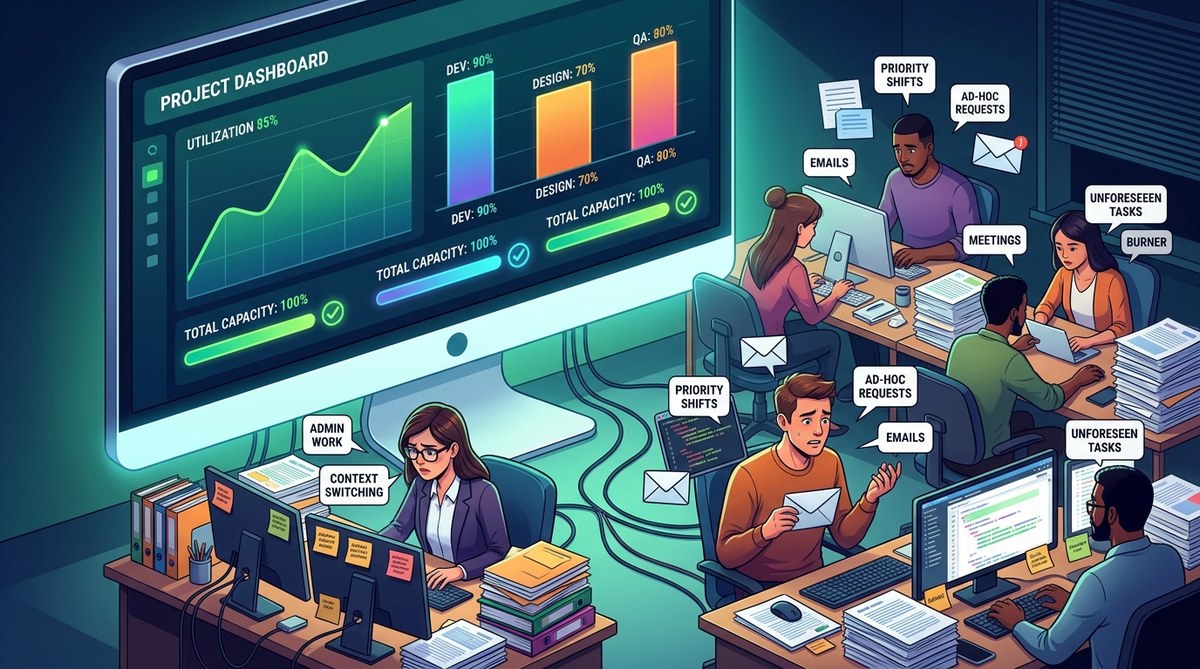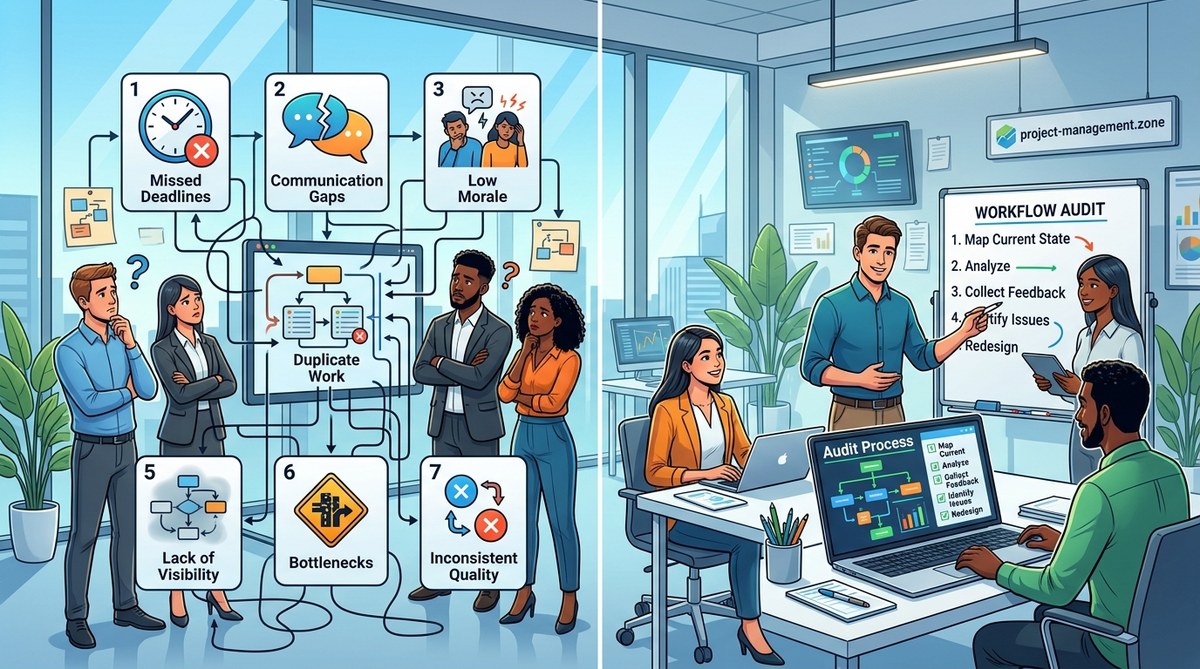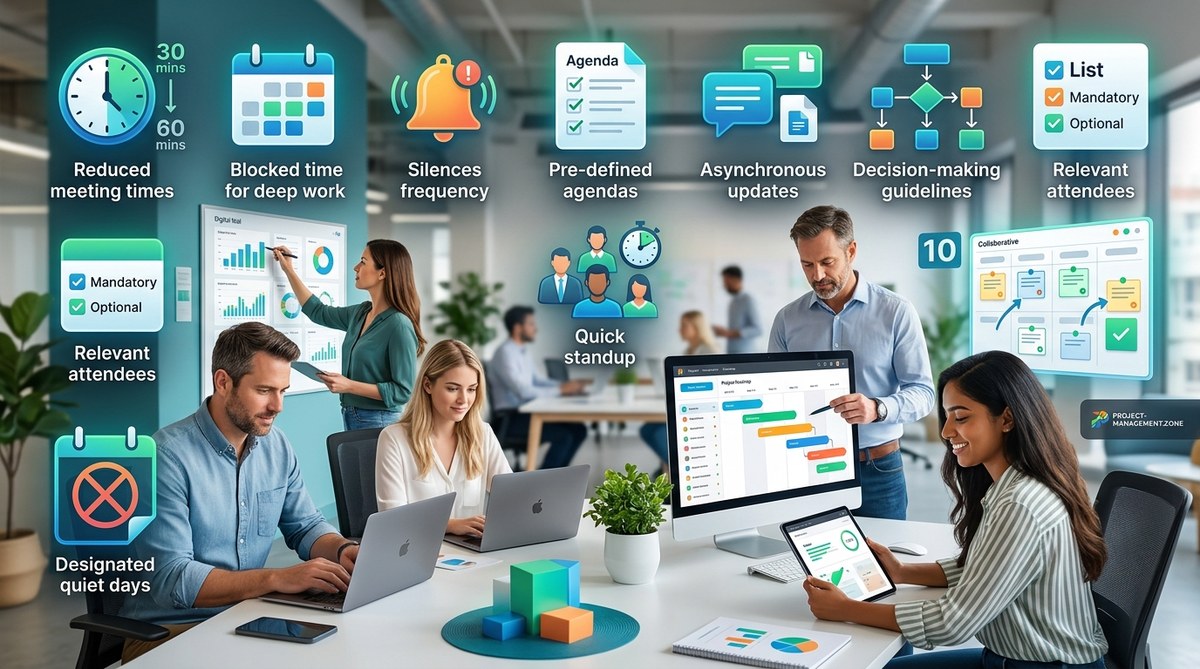
Your calendar is a minefield. Back-to-back 30-minute blocks stretch from 9 AM to 5 PM, leaving zero time for actual work. You finish one call only to realize the next one covers the same topic with a slightly different group. You are not alone. In 2026, meeting overload is the top productivity killer for managers and team leads across every industry.
But here is the hard truth: cutting meetings entirely is not the answer. Your team still needs alignment. Stakeholders still need updates. Decisions still need to happen. The goal is not to eliminate meetings. The goal is to reduce meeting overload without sacrificing the coordination that keeps projects moving.
This guide gives you 10 practical ways to do exactly that. No fluffy theory. Just actionable steps you can apply this week.
Meeting overload drains your team’s energy and focus. But you can cut meeting time by 40% or more without losing alignment. The secret is replacing status updates with async reports, enforcing strict agendas, and auditing recurring meetings every quarter. Use this guide to reclaim your calendar and keep decision velocity high.
Why Meeting Overload Happens in Fast Teams
Fast teams run on communication. When you move quickly, you default to calling a meeting to solve every problem. It feels efficient. You get everyone in a room (or a Zoom), you talk it out, and you move on.
But there is a hidden cost. Each meeting interrupts deep work. Each meeting pulls people out of flow. And most meetings are not actually necessary. They are habits. The weekly status update that nobody reads. The cross-team sync that could have been an email. The brainstorming session that turns into a monologue.
The fix starts with understanding one thing: alignment does not require real-time conversation. You can stay in sync without being in the same room at the same time.
10 Ways to Reduce Meeting Overload and Keep Alignment
1. Replace Status Updates with Async Reports
Status update meetings are the biggest time waster in most organizations. Everyone takes turns saying what they did yesterday and what they plan to do today. That information is valuable. The meeting format is not.
Switch to an async system. Use a shared document, a project management tool, or even a simple Slack thread. Each person posts their update by a set deadline. Team members can read updates on their own time.
This single change can reduce meeting overload by 30% or more. You still get alignment. You just get it without the calendar invite.
For more on structuring async workflows, check out Streamlining Team Workflows for Better Project Outcomes.
2. Enforce a Strict Agenda Rule
No agenda, no meeting. This rule sounds harsh, but it works wonders. When someone sends a meeting invite without a clear agenda, decline it. Ask them to send the agenda first.
Agendas should include:
– The specific problem or decision to be made
– What pre-reading is required
– What the expected outcome is
If someone cannot write a clear agenda, the meeting probably does not need to happen.
3. Use Time-Boxing for Every Meeting
Time-boxing means setting a hard limit on how long a meeting can last. Most meetings can be cut in half without losing quality. A 60-minute meeting becomes 30 minutes. A 30-minute meeting becomes 15.
Set the timer. Stick to it. End the meeting when the time is up, even if you have not covered everything. Unfinished topics can be handled async or in a follow-up that is properly scoped.
Learn more about this approach in Time-Boxing Techniques for Project Managers Who Want Faster Delivery.
4. Audit Your Recurring Meetings Every Quarter
Recurring meetings are zombie meetings. They keep happening long after they stop being useful. The weekly cross-team sync that started during a product launch? Still on the calendar six months later.
Every quarter, review all recurring meetings. Ask three questions:
– Is this meeting still necessary?
– Could this be done async?
– Who actually needs to attend?
Cancel anything that does not pass all three checks.
| Meeting Type | Common Mistake | Better Approach |
|---|---|---|
| Status update | Everyone attends | Async report instead |
| Brainstorm | No prep work done | Pre-read with ideation prompts |
| Decision review | Too many stakeholders | Small group with written summary |
| Weekly sync | Runs without agenda | Cancel if no agenda exists |
5. Create a Decision Log to Reduce Follow-Up Meetings
Many meetings happen because people need to make a decision. But the decision itself rarely requires a full meeting. The discussion around it does.
Create a shared decision log. When a decision needs to be made, the responsible person writes up the options, the pros and cons, and their recommendation. Team members comment async. The decision maker reviews and signs off.
This turns a 45-minute meeting into a 10-minute async process.
6. Adopt a “Two Pizza” Rule for Attendees
Amazon popularized the “two pizza” rule: if you need more than two pizzas to feed the meeting, you have too many people. Every extra attendee adds complexity and reduces the chance of a productive discussion.
For any meeting, ask: who absolutely needs to be here? Invite only those people. Everyone else can get a written summary afterward.
7. Use Async Video Updates for Complex Topics
Sometimes writing is not enough. Complex topics benefit from tone of voice and visual context. But that does not mean you need a live meeting.
Record a short video update. Share it with the team. People can watch it on their own time, at 1.5x speed if they want. This is especially useful for remote or hybrid teams.
For a deeper look at this method, see How to Turn Async Video Updates into Usable Project Documentation.
8. Build a Meeting Cadence That Matches Your Work Rhythm
Not all work requires the same meeting frequency. During a planning phase, you might need more syncs. During execution, you need fewer.
Build a cadence that changes based on the project phase. For example:
– Planning: Two 30-minute syncs per week
– Execution: One 15-minute standup per day
– Review: One 45-minute retrospective per sprint
Aligning meetings to work rhythm prevents the calendar from filling up with unnecessary events. Read more about this in How to Build a Project Meeting Cadence That Keeps Work Moving.
9. Train Your Team to Say No to Meetings
This is a culture shift. Many people attend meetings out of obligation, not necessity. They fear missing important information.
Create a culture where it is okay to decline a meeting. Encourage people to ask: “What is the agenda? What is the expected outcome? Do I need to be there?” If the answers are weak, skip it.
Share meeting notes afterward so people can catch up if needed.
10. Use a Meeting Cost Calculator
Make the cost of meetings visible. A simple calculator that shows the total hourly cost of a meeting (multiply attendee salaries by meeting length) can change behavior fast.
When people see that a 60-minute meeting with 10 people costs $1,000 or more, they start thinking twice about scheduling one.
“The most expensive thing in your organization is not software or office space. It is time spent in meetings that could have been an email.” — Jason Fried, co-founder of Basecamp
How to Measure Your Progress
You cannot improve what you do not measure. Track these metrics over time:
- Total meeting hours per week per person
- Number of meetings canceled or declined
- Percentage of updates delivered async
- Team satisfaction with meeting load (use a simple 1-5 survey)
Aim for a 40% reduction in meeting hours within one quarter. That is an aggressive but achievable target.
For more on measuring team effectiveness, check out 5 Agile Metrics That Actually Predict Project Success.
Common Mistakes When Cutting Meetings
Even with good intentions, people make mistakes when trying to reduce meeting overload. Avoid these:
- Cutting all meetings at once. This creates chaos. Phase changes in gradually.
- Replacing meetings with endless email threads. Async does not mean infinite back-and-forth. Use structured tools.
- Forcing async on topics that genuinely need discussion. Some things still need a live conversation. Know the difference.
- Ignoring stakeholder needs. Stakeholders often rely on meetings for visibility. Give them a written alternative first.
The Tools That Help You Reduce Meeting Overload
You do not need expensive software. Most of these changes require only a shared calendar and a project management tool. But a few tools can help:
- Loom or Async for video updates
- Notion or Confluence for decision logs
- Calendly or Clockwise for smart scheduling
- Slack or Teams for async status reports
For a full list of tool recommendations, see Top Project Management Tools to Boost Your Team’s Efficiency.
Your First Step to Reduce Meeting Overload
Pick one technique from this list. Implement it this week. That is it. Do not try to do all ten at once. Start with replacing status update meetings with async reports. That one change alone can free up hours per week.
Once that becomes a habit, move on to the next technique. Within a month, your calendar will look different. Within a quarter, your team will wonder how they ever survived the old way.
Build a Sustainable Meeting Culture
Reducing meeting overload is not a one-time fix. It is a continuous practice. Teams change. Projects change. New habits form. Old habits creep back in.
Schedule a recurring quarterly meeting audit. Keep the conversation alive. Celebrate when someone cancels a meeting that no longer serves a purpose. Reward people who protect their focus time.
The goal is not zero meetings. The goal is better meetings. Fewer of them. More focused. With clear outcomes and real purpose.
Your team will thank you. Your calendar will thank you. And your actual work will finally get the attention it deserves.