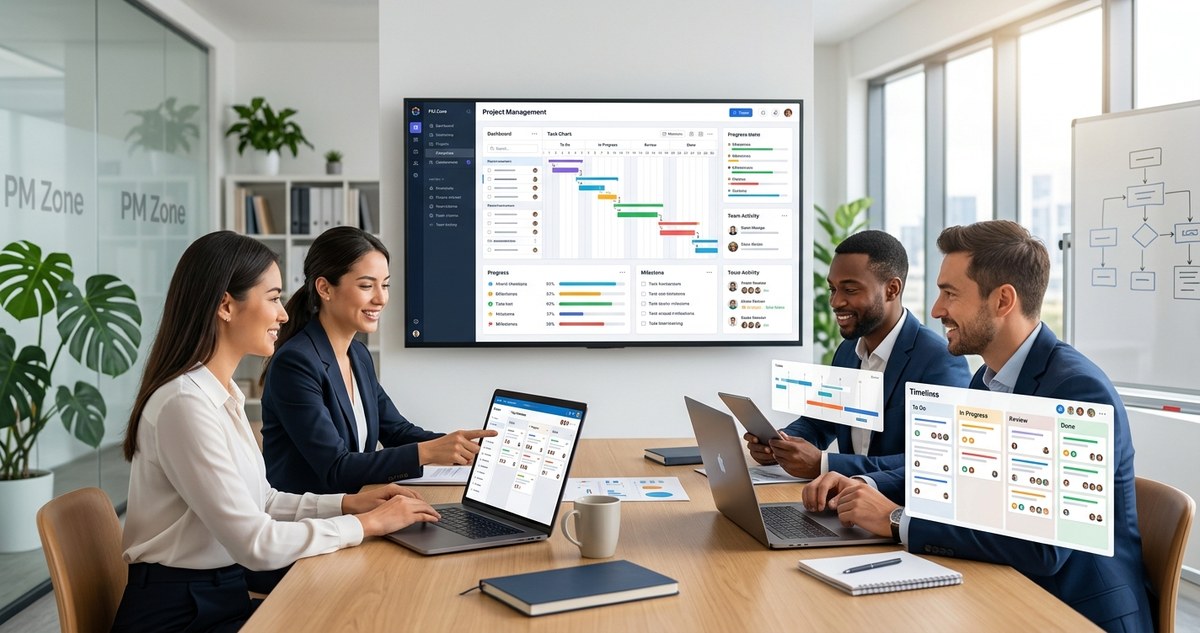
Looking for ways to make your team run smoother and get more done? The secret often lies in choosing the right project management tools. With so many options out there, finding the perfect fit can seem overwhelming. But when you zero in on the best tools, you unlock new levels of efficiency, collaboration, and clarity. Whether you manage a small team or coordinate across departments, the right software can be a game changer.
Choosing the best project management tools can streamline workflows, improve team collaboration, and boost overall productivity. The right software adapts to your needs, making work smoother and more organized.
Why Top Project Management Tools Matter
Selecting effective project management tools is more than just picking a software. It’s about finding systems that fit your team’s unique workflow, communication style, and project complexity. Good tools help you plan better, stay on schedule, and keep everyone aligned. They reduce confusion and make it easier to track progress.
Imagine your team can see who’s doing what at a glance, easily share updates, and spot bottlenecks early. That’s the power of top project management software. It turns chaos into clarity and effort into results.
How To Pick The Right Tools For Your Team
Choosing the best project management tools involves a simple process. Here are three practical steps:
- Identify your team’s needs. Are you looking for task tracking, resource management, collaboration features, or all of the above? Make a list.
- Compare features and integrations. Look for software that connects easily with your existing tools like email, file sharing, or communication apps.
- Test and adapt. Try out a few options with your team. See what feels intuitive and supports your workflow.
By following this process, you avoid wasting time on tools that don’t fit. Instead, you find solutions that make daily work simpler.
Top Project Management Tools in 2026
Let’s look at some of the best options available right now. These tools stand out because they cater to different team sizes, industries, and project types.
1. monday.com – Best for visual planning and team collaboration
monday.com offers a highly visual interface that makes tracking projects straightforward. Its drag-and-drop boards help you organize tasks, assign responsibilities, and monitor progress in real time. It’s ideal for teams that thrive on visual workflows and need flexible customization.
Pros:
– User-friendly interface
– Customizable dashboards
– Wide range of integrations
Cons:
– Can be overwhelming for beginners
– Pricing increases with added features
Standout features: Automations, time tracking, multiple views (kanban, timeline, calendar)
2. ClickUp – Best for building task hierarchies and detailed workflows
ClickUp combines task management with document sharing and goal tracking. Its flexible structure allows you to create nested tasks and checklists, perfect for complex projects. It also offers automation options to save time on repetitive tasks.
Pros:
– Highly customizable
– All-in-one platform
– Free plan available
Cons:
– Interface can be cluttered
– Steep learning curve for some users
Standout features: Custom fields, goal tracking, automation workflows
3. Jira – Best for software development and agile teams
Jira is renowned for its capabilities tailored to software teams. It excels in sprint planning, bug tracking, and backlog management. Its robust reporting tools help teams stay agile and responsive.
Pros:
– Designed for agile workflows
– Extensive integrations
– Powerful reporting
Cons:
– Complex setup
– Not ideal for non-technical teams
Standout features: Scrum boards, Kanban boards, release tracking
4. Asana – Great for task tracking and team coordination
Asana’s clear interface makes task assignment and deadline management simple. Its timeline view helps teams visualize project schedules. It’s perfect for teams that want clarity and ease of use.
Pros:
– Intuitive interface
– Wide range of templates
– Strong communication features
Cons:
– Limited customization in lower plans
– Can become cluttered with large projects
Standout features: Timeline, workload view, integrations
5. Trello – Best for straightforward visual task management
Trello’s card-based system is simple yet powerful. It’s perfect for small teams or projects that need a visual overview without complexity. With its boards and cards, you can easily track progress and keep everyone on the same page.
Pros:
– Easy to learn
– Highly visual
– Free version available
Cons:
– Limited features for advanced needs
– Can get cluttered with many cards
Standout features: Power-ups for integrations, checklists, labels
Comparing Techniques and Common Pitfalls
| Technique | Mistake to Avoid |
|---|---|
| Overloading tools with features you don’t need | Choosing overly complex software that confuses users |
| Not involving your team in the choice | Ignoring user feedback and preferences |
| Failing to train team members | Underestimating the importance of onboarding |
“The best tools are only effective if your team adopts them. Take the time to train and get buy-in before rolling out new systems.” — project management expert
Making the Most of Your Chosen Tools
Once you’ve selected the right software, follow these steps to maximize its impact:
- Set clear workflows. Define how your team will use the tool step by step.
- Encourage consistent use. Make it part of daily routines.
- Regularly review and adapt. Update workflows and features as your team grows or projects change.
Taking these steps helps ensure your investment in tools translates into real productivity gains.
How To Avoid Common Mistakes With Project Management Tools
Even the best software can fall flat if misused. Here are some frequent pitfalls:
- Ignoring team feedback. Not listening to user experiences leads to low adoption.
- Skipping training. Without proper onboarding, the team won’t leverage all features.
- Not customizing workflows. Using generic setups misses the chance to optimize processes.
- Over-complicating processes. Adding too many steps or features can slow everyone down.
Tip: Regularly gather feedback and adjust workflows. Keep the system simple and aligned with your team’s needs.
Wrapping Up Your Project Management Strategy
Choosing top project management tools is a critical step toward smoother workflows and happier teams. Focus on your specific needs, involve your team in the decision, and invest time in onboarding. The right software will not only organize work but also inspire collaboration and accountability.
Think of software as a tool to support your team’s success. When used wisely, it transforms how work gets done and sets the stage for achieving your goals.
Keep Your Projects Moving Forward with Confidence
Now that you know what to look for and have a few options in mind, it’s time to test these tools in your environment. Remember, the key isn’t just selecting a popular platform but finding one that truly fits your team’s rhythm. With the right project management software, your team can focus on what matters most — delivering great results and enjoying the process along the way.